Miscellaneous
Everything you need to know about Xero
Timesheet's integration with Xero is simple. We provide the ability to upload hours work from employees into your Xero platform.
Turn on the integraion:
- Login to TimeSheet's website as an employer.
- Go to the settings tab at the top right by clicking on the employer name and clicking settings
- Select the TimeSheets tab and scroll to the setting called 'Show Xero'.
- Update this field to Yes, scroll to the bottom of the screen and click update.
- Click the hamburger icon at the top left of the page and select the TimeSheets tab.
- Click the transfer to Xero icon at the top right of the screen.
- You will be redirected to Xero to sign in.
- Allow access and then you will be good to go!
Now that your Xero integration has been turned on you will be able to use our Xero integration by following these steps:
Use the integration:
- Login to TimeSheet.
- Click the hamburger icon at the top left of the page and select the TimeSheets tab.
- Click the transfer to Xero icon at the top right of the screen and allow access.
- Select the employee you want to transfer your timesheets for and click proceed.
- Select the 'tenant' (your company of choice) and then proceed.
- Select the salary type and overtime type and then proceed (leave overtime blank if you don't have overtime).
- Select the employee from Xero and click proceed!
- Repeat steps 4-7 for each employee and then you will have compeleted your upload!
Dataflow Diagram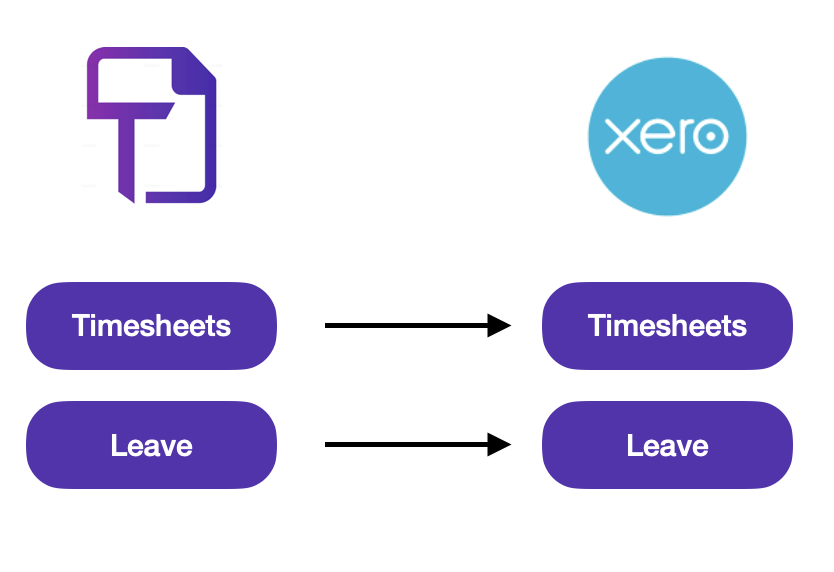
Currently TimeSheet focues mainly on the passing of TimeSheets from our system to Xero, this will include TimeSheets recorded by employees and the leave recorded. Future iterations to come.
FAQ:
- Why do I need to allow access each time I log into TimeSheet?
- We do this for security reasons so that information is only being passed when you require it to.
- Why have my timesheets not been passed through correctly?
- Ensure you have added the correct timesheets for the correct date
- Do I need to add overtime to my employees hours?
- No, this is only there if you have overtime, you are able to turn this function off in the settings.
- Why do I have to select my employees from both sides?
- This is because there are potentially issues for employee details being mismatched, we are currently working on a function which pulls in employees from Xero so that you will not need to complete this section each time.